Windows
The Windows desktop app is a native WPF application that embeds the Starsky web UI via Microsoft WebView2. It bundles the full Starsky server and launches it automatically in the background — no separate server setup is needed.
Requirements
- Windows 10 or later (64-bit)
- Microsoft WebView2 Runtime — pre-installed on Windows 11; on Windows 10 it is usually already present via Edge, but can be installed separately from Microsoft's site
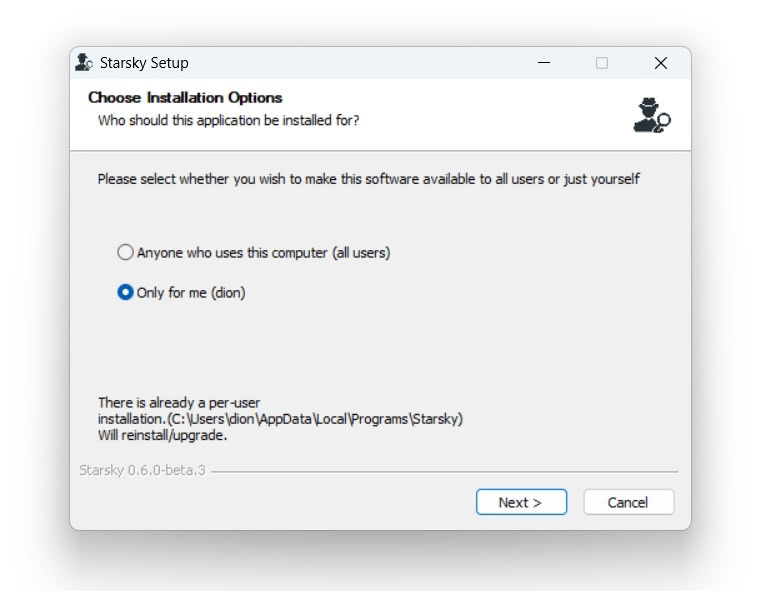
Installer step 1
Open the downloaded installer: starsky-win-x64-desktop.exe
Can you install it globaly or in your own user space. The default option is "Only for me"
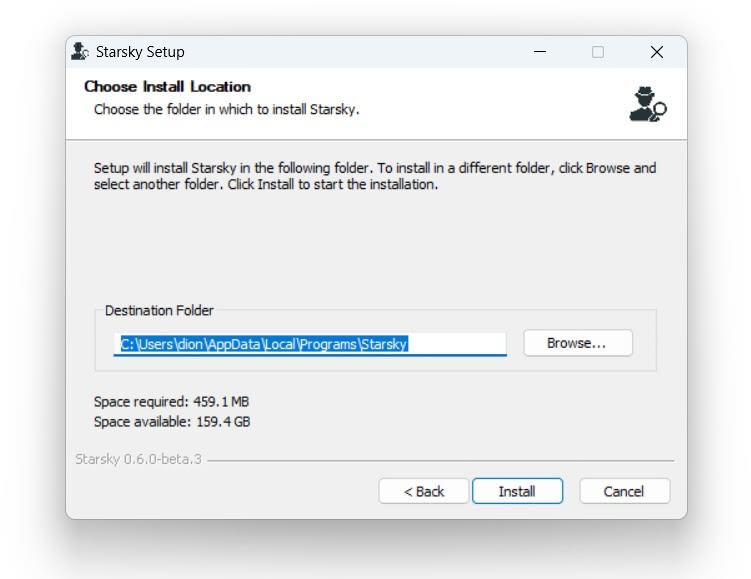
Installer step 2
This is the default location when installing "Only for me"
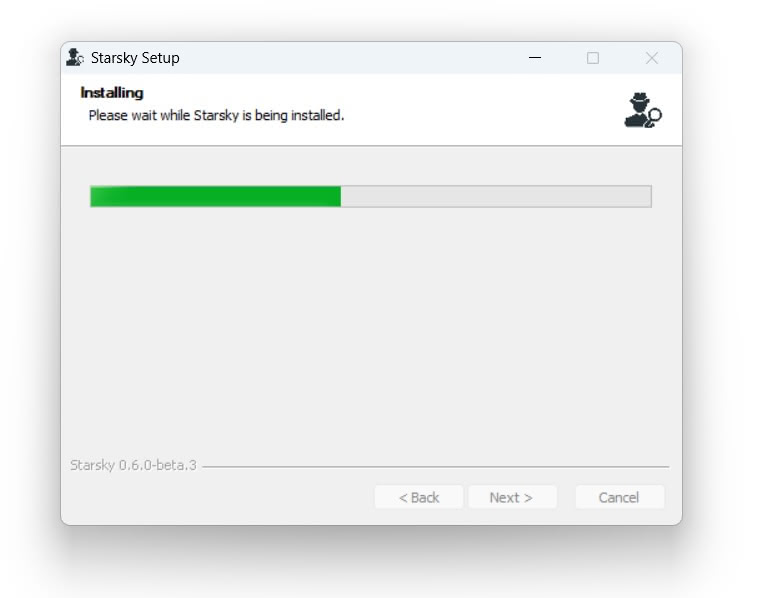
Wait for the installer is done
Installer is done
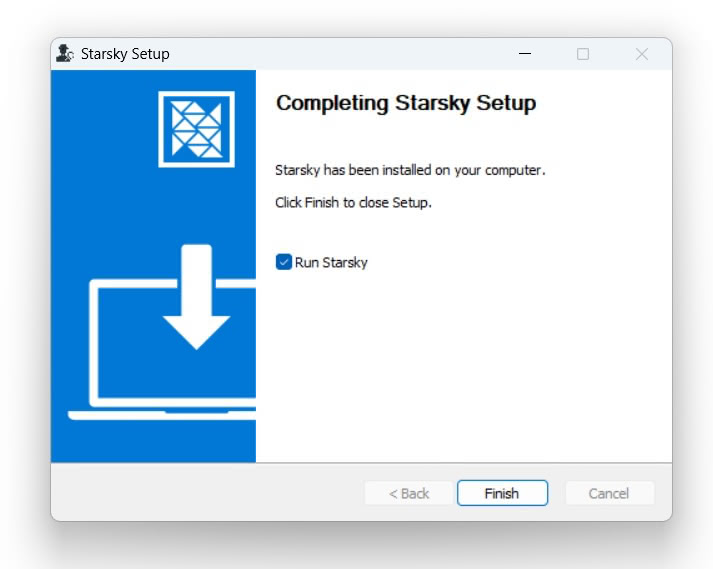
It runs
See the First Steps in the Getting Started Guide for more info on how to set up the storage folder
Connection modes
The Windows app supports two modes, switchable in Settings:
- Local — starts the bundled Starsky server on a free port; no login is required (intended for single-user desktop use)
- Remote — connects to an existing Starsky server URL; full authentication applies
Automatic updates
The app checks for updates on startup and will prompt you when a new version is available. You can postpone the update; the check is suppressed for 4 days after dismissing a prompt. Update checking can be disabled in Settings.
Mount Watcher
Mount Watcher is an optional background Windows Service that watches for connected camera storage (SD cards, USB cameras) and triggers an automatic import when one is detected.
To enable:
- Open the Settings menu in the menu bar
- Hover over Mount Watcher
- Click Enable Mount Watcher (requires admin)
- Approve the Windows UAC consent dialog that appears
- The submenu updates to show Status: Running
To disable: open the same submenu and click Disable Mount Watcher (another UAC dialog appears).
The preference is saved to %AppData%\starsky\settings.json. When the app starts and Mount Watcher is enabled, it automatically reinstalls and starts the service — no UAC prompt on startup. If the service cannot be installed (for example the bundled binary is missing), the preference is cleared automatically.
The app itself does not run with elevated privileges. Only the
starskymountwatchercli.exesub-process is elevated for the duration of service registration.
See Mount Watcher CLI for details on what the service does and how camera detection works.
Advanced: custom installation directory
By default the installer places the application in %LocalAppData%\Starsky.Desktop. To install to a different location, run the setup from the command line with the --installto flag:
starsky-win-x64-desktop.exe --installto "D:\Apps\Starsky"
The directory will be created if it does not exist. All Velopack update mechanics (auto-update, uninstall) continue to work from the custom location.
Data locations
| Purpose | Path |
|---|---|
| Application binaries | %LocalAppData%\Starsky.Desktop\current\ (default) |
| Settings | %AppData%\starsky\settings.json |
| Logs | %AppData%\starsky\logs\ |
| Database (local mode) | %AppData%\starsky\starsky.db |
| Thumbnails (local mode) | %AppData%\starsky\thumbnailTempFolder\ |
| Temp files (local mode) | %LocalAppData%\starsky\tempFolder\ |